Download Galaxiga: Galaxy Arcade APK 25.82 for Android
1SOFT APK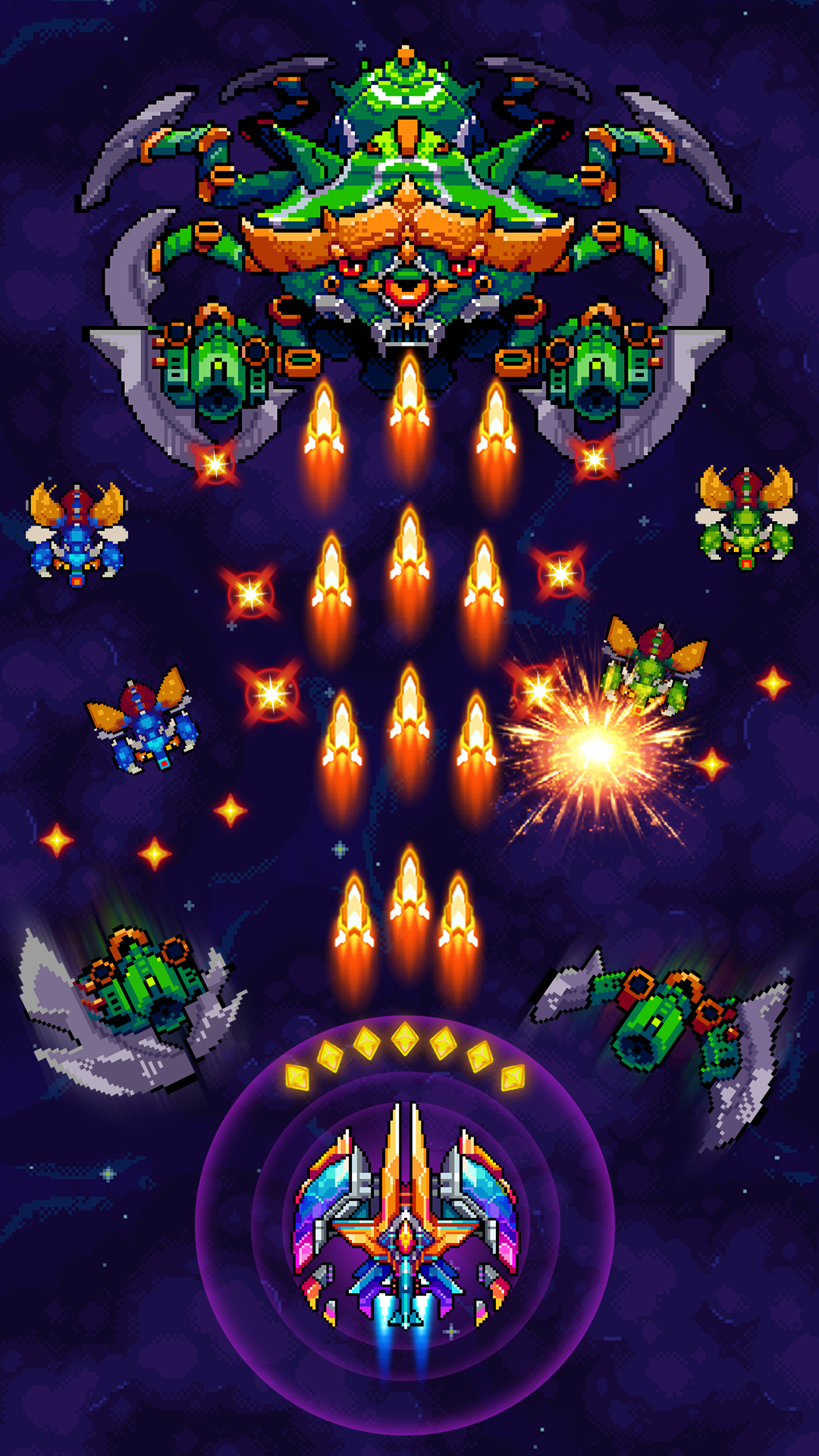
| Name | Galaxiga: Galaxy Arcade Game |
|---|---|
| Publisher | 1SOFT |
| Version | 25.82 |
| Size | 159MB |
| Requires | Android 5.0 |
| Get it on | Google Play ↗ |
| Downloads | 3,609 |
| Price | FREE |
| Rating |
★
★
★
★
★
2.2/5
(5)
|
| Author | |
| Updated |
Galaxiga turns the 1980s arcade cabinet into a phone game that has been downloaded more than 100 million times, but the version you install decides whether you get a clean retro shooter or a security problem.
Galaxiga: Galaxy Arcade is a vertical space shooter for Android, built by Vietnamese studio OneSoft (ONESOFT GLOBAL PTE. LTD.) and live on Google Play since July 2019. It takes the formula of classic shoot ’em ups like Galaga, Galaxian, and Space Invaders, then layers on ship collection, squad building, and online competition. The game itself is straightforward to learn. The harder question, and the one most download pages skip, is which build you should trust and how its online systems treat a modded copy.
- What Is Galaxiga: Galaxy Arcade?
- How Galaxiga Plays: Controls and the Core Loop
- Game Modes: Campaign, Boss Fights, PvP, and Co-op
- Starships, Squads, and the Upgrade System
- Graphics, Sound, and Why the Retro Style Works
- The Original Game vs the Galaxiga Mod APK
- How to Download and Install Galaxiga
- Is the Galaxiga Mod Safe and Legal?
- Tips to Progress Faster Without Spending
- Device Requirements and Performance
- Frequently Asked Questions
- The Bottom Line
What Is Galaxiga: Galaxy Arcade?
Galaxiga is a free arcade space shooter where you pilot a starship, clear waves of alien enemies, and fight large bosses. The studio behind it, OneSoft, also made 1945 Air Force, Galaxy Attack: Alien Shooter, and Jackal Squad, so the team specializes in this exact genre.
By mid-2026 the game had passed 100 million downloads (per AppBrain) and held an average rating near 4.7 on Google Play, where it sits among the top-grossing arcade titles. It is available on Android and Windows, with a separate iOS release under a similar name. The core appeal is simple: it feels like a remastered 80s cabinet, but it keeps you coming back with progression instead of just a high-score screen.
How Galaxiga Plays: Controls and the Core Loop
You move your ship by dragging a finger across the screen, and it fires upward automatically. Enemies pour in from the top and fire back, so the whole game is about positioning and dodging rather than tapping a fire button. One detail many new players miss matters a lot: only the cockpit area of your ship takes damage, not the wings. Learning that lets you slip through bullet patterns that look impossible.
Each stage is a series of waves. Clear every enemy and you win the stage, earn coins and gems, and unlock the next one. Defeated enemies sometimes drop upgrades, rockets, and currency that drift down the screen, so grab them before they vanish off the bottom edge. Stages cost energy to play, and you regain one energy roughly every two minutes up to a cap of 100, which is the soft limit on how long a single session can run.
Game Modes: Campaign, Boss Fights, PvP, and Co-op
Galaxiga splits into single-player and online modes, and there is far more here than the opening levels suggest. The main path is the Campaign, a single-player run that stretches across hundreds of stages and ends in tougher boss encounters. Alongside it sit extra single-play challenges such as Hunter, Adventure, and Titan Boss modes, which exist mainly to farm resources and ships.
The online side is where competition lives. The headline player-versus-player option is Chase Mode, a one-on-one match where two pilots clear the same waves and the higher score (or the last ship standing) wins. There are also team formats, including a one-versus-three setup and co-op runs with friends, plus global leaderboards and guild leagues. This online layer is important to remember later, because it changes how risky a modded copy really is.
Starships, Squads, and the Upgrade System
Progression in Galaxiga runs on ships, currency, and squad order, and understanding it is what separates a frustrating grind from a smooth one. Ships come in rarity grades from C up to B, A, and S, with S being the strongest. You spend gold coins to level a ship up and blue gems to evolve its grade, which raises its level cap and unlocks new skills. Gems are the premium currency, so they are scarcer than coins, but daily gifts and ad rewards hand them out more often than in many comparable games.
You do not fly a single ship. You build a squad of up to four ships, and only one is active at a time. When the active ship is destroyed, the next one takes over. The smart move is to bookend a squad with strong ships and tuck weaker ones in the middle, so you never enter a boss fight with a fragile ship on point. On top of that, gears (five parts: body, core, rear, wing, and front) add stat bonuses, drones provide extra firepower, and a “Megaforce” rating gives passive power based on how complete your collection is. The deeper you build, the easier the late campaign becomes.
Graphics, Sound, and Why the Retro Style Works
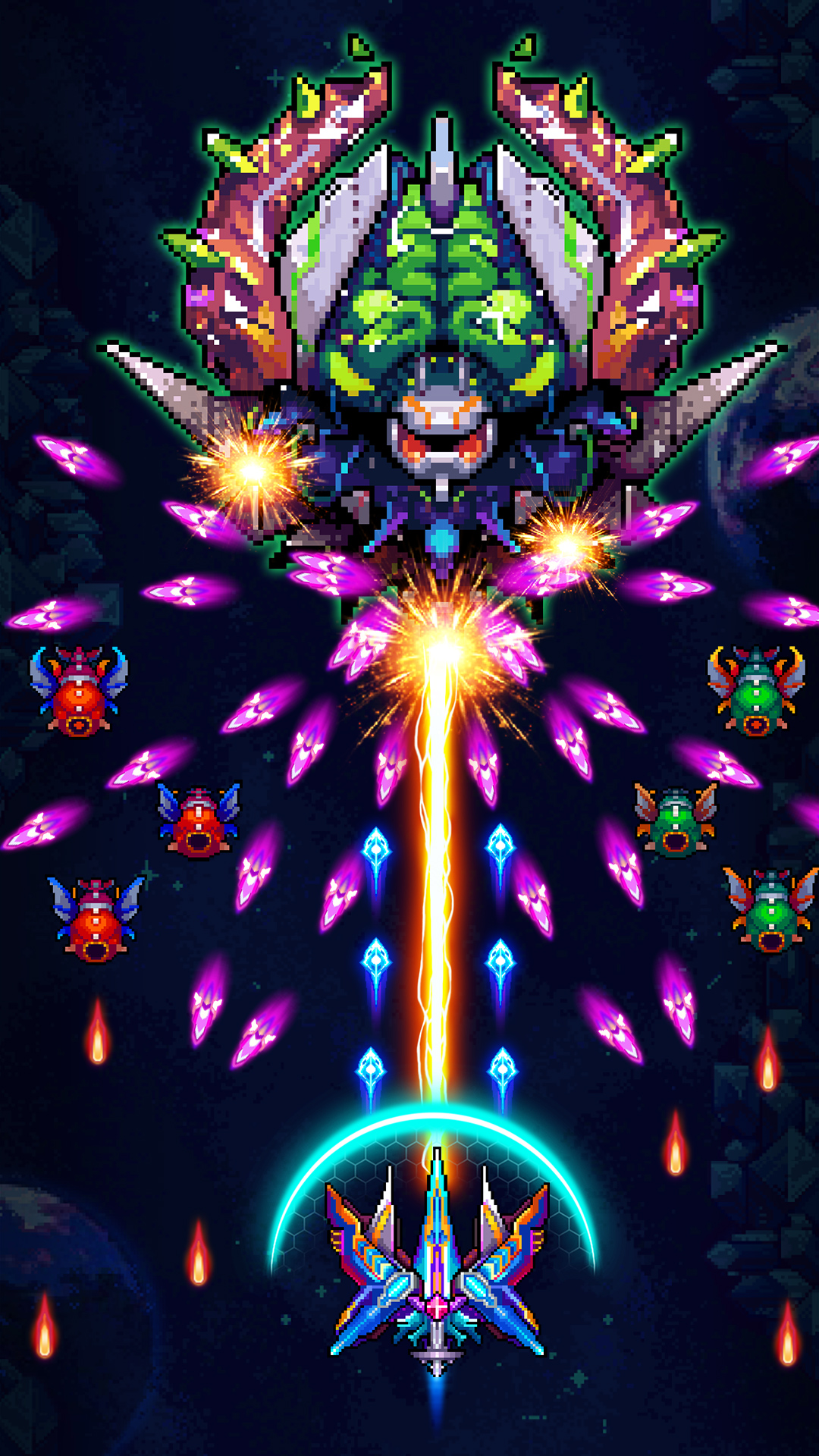
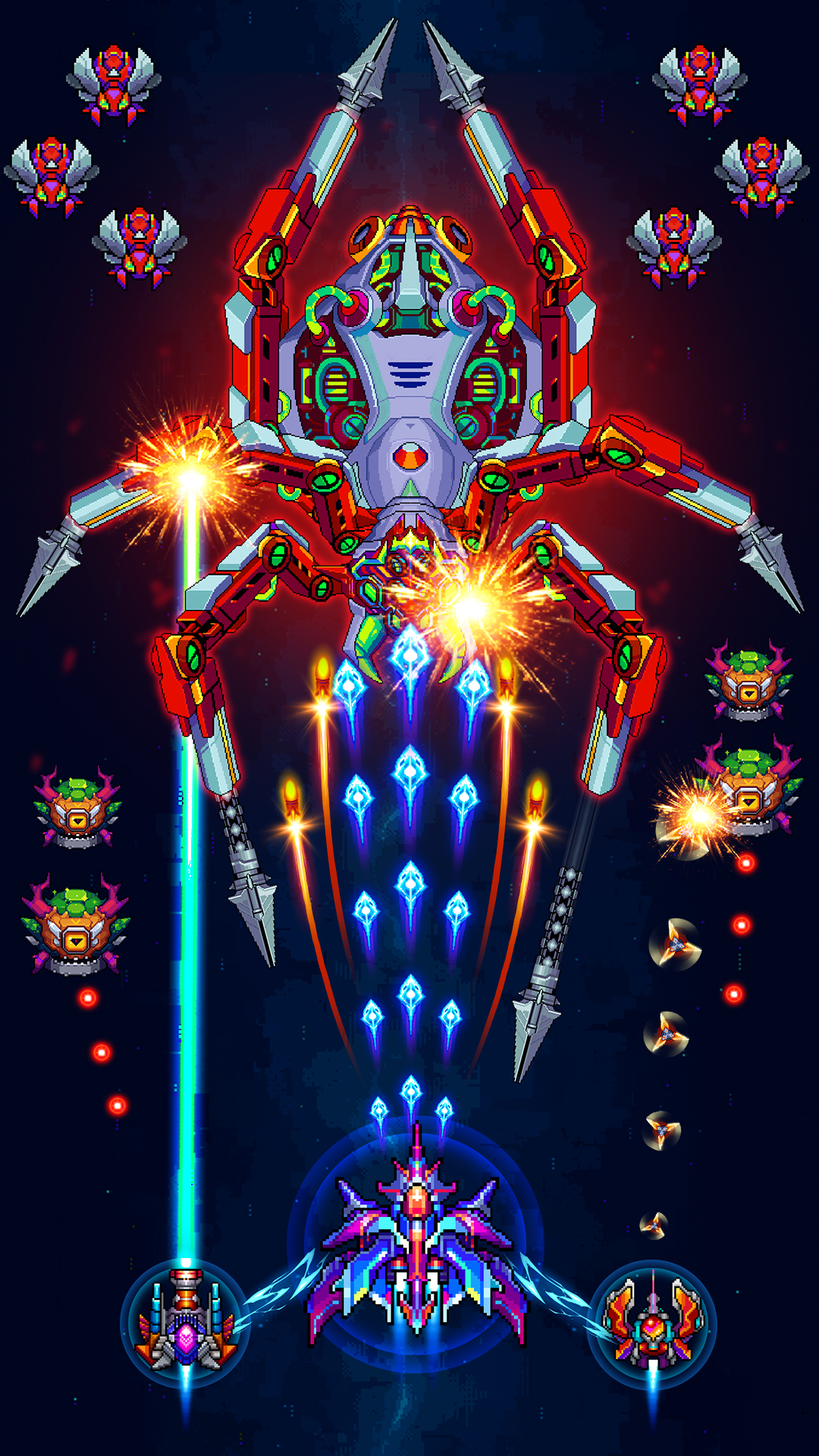
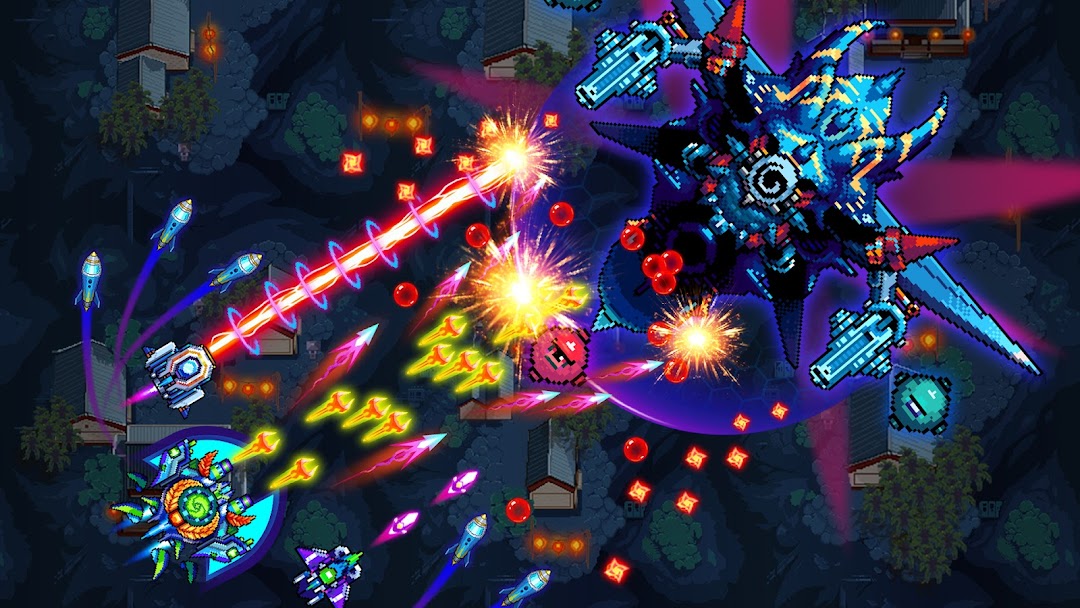
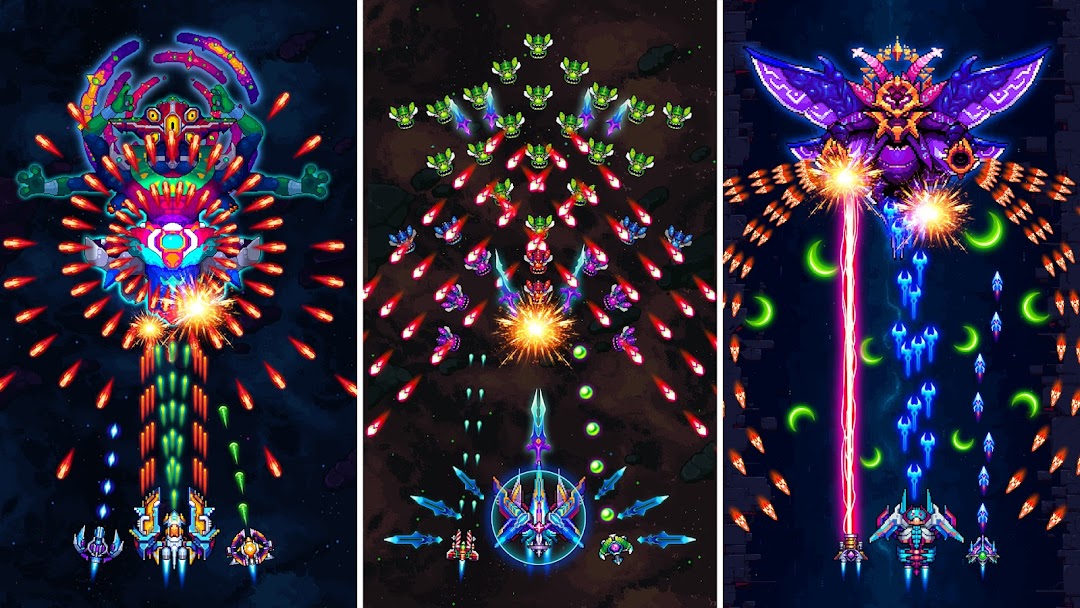
The art is pixel-based on purpose, and it is clean rather than dated. Galaxiga nods to old arcade hardware with chunky sprites and bright colors, then adds smooth animation, dynamic effects, and large, detailed boss designs that fill the screen. The soundtrack leans into the same energetic arcade feel.
The result reads as nostalgia done with modern polish, not a cheap throwback. It also scales well, since the visuals are optimized for both phones and larger tablet screens. For players who grew up with cabinet shooters, this is a big part of why the game holds attention past the first few stages.
The Original Game vs the Galaxiga Mod APK
A Galaxiga mod APK is a modified build of the official game that changes its economy, usually by promising things the free version makes you earn. The official app is free with optional in-app purchases, where gems and ship upgrades are the paid shortcuts. Mod listings advertise versions of that shortcut for free, with labels like unlimited money, unlimited gems, a damage multiplier, “god mode,” or a cheat menu.
The honest framing is this: a mod changes the numbers, not the game design. You still pilot ships, build squads, and clear waves. What a modded build claims to remove is the grind for coins and gems, and in some cases the difficulty itself. That sounds appealing, but it also collides directly with how Galaxiga is built, which is the part the next section covers without dressing it up.
How to Download and Install Galaxiga
Installing Galaxiga from Google Play is the safe default, and it handles updates automatically. If you install any APK from outside the Play Store instead, you have to sideload it, which means turning on a system permission first. On modern Android, you grant “Install unknown apps” to the specific browser or file manager doing the install, run the file, and then switch that permission back off once you are done.
A few practical notes before you start. The download is large, around 196 to 199 MB, so keep several hundred extra megabytes free for the install and cache. The game needs Android 7.0 or newer. Some APK packages arrive as XAPK files that bundle extra data, and those need an XAPK-compatible installer rather than a plain tap-to-install. Whatever the source, scan the file and confirm it before opening it.
If you want to compare builds, read other safe-install guides, or find related arcade and space shooter titles before committing to a download, you can start from the homepage:
Explore Games & Apps on MODLMH →
Is the Galaxiga Mod Safe and Legal?
A modded Galaxiga is only as safe as the site you download it from, and even a clean mod carries real account risk because the game is partly online. This is the part competing download pages tend to wave away with a “100% safe” badge, so it is worth being specific.
On the file-safety side, an APK from an unknown source can hide malware, adware, or a token-stealer that targets your accounts. The official app already requests a long list of permissions and uses Google Play billing, so a tampered build that asks for more, or that comes from a site with no verification, deserves suspicion. Sticking to the Play Store, or to a source that publishes signature and virus-scan checks, removes most of this danger.
The account side is the part players underestimate. Galaxiga has online PvP, guilds, leagues, and leaderboards, which means a chunk of your progression is checked against the developer’s servers. A mod that fakes currency or damage might work in offline single play, but the same numbers look obviously wrong online, and that is how accounts get flagged or banned. If you have invested months into a profile, signing into it from a modded build is the fastest way to lose it.
Legally, the picture is greyer. Modifying the app and bypassing its paid economy breaks OneSoft’s terms of service, even where it is not a criminal matter. The fair position is to respect that the studio funds ongoing updates and events through purchases, and to treat the official free version as the supported way to play. If you only want the nostalgic shooter, the free build already delivers it.
Tips to Progress Faster Without Spending
You can climb a long way in Galaxiga for free if you spend resources well rather than fast. The biggest leak for new players is dumping coins into low-grade ships. Save your evolution gems for ships you actually plan to keep, since evolving raises a ship’s level cap and unlocks skills, while coins only raise the level you already have access to.
Two more habits help a lot. First, order your squad so a strong ship leads, weaker ships sit in the middle, and another capable ship anchors the end, so a boss never catches you on a fragile ship. Second, treat the free systems as your gem income: claim daily gifts, watch the optional ad rewards, and play seasonal events, which regularly hand out gems and exclusive ships. Recent examples include anniversary, Lunar New Year, and Golden Week events, each tied to limited rewards. Energy also caps at 100, so spend it before it stops refilling instead of letting it sit full.
Device Requirements and Performance
Galaxiga runs on Android 7.0 and newer, needs roughly 196 to 199 MB of storage for the install, and plays well on mid-range phones. The visuals are optimized for tablets too, so a larger screen is a genuine upgrade for this kind of bullet-dodging game rather than just a stretched image.
The single-player campaign works offline, which makes it a solid pick for commutes or flights, while PvP and co-op need a connection. There is also a Windows version, and the game is commonly played on PC through Android emulators for keyboard-and-mouse control, though that sits outside the official mobile experience. As of June 2026, the current build is version 25.82; earlier releases such as version 25.54 from September 2025 show how frequently OneSoft ships updates and bug fixes.
Frequently Asked Questions
Is Galaxiga free to play?
Yes. The game is free to download and play, with optional in-app purchases for gems and ship upgrades. You can progress without paying, though the paid shortcuts speed things up.
Can you play Galaxiga offline?
The single-player campaign and most challenge modes work offline. Online features such as PvP, co-op, leaderboards, and guild activity need an internet connection.
Is Galaxiga pay-to-win?
It leans toward paid acceleration rather than hard walls. Spending buys faster gem income and quicker ship evolution, but free players can still clear the campaign and rank up by farming resources and using event rewards.
What is the latest version of Galaxiga?
The current build is version 25.82 as of June 2026. OneSoft updates the game often, usually adding events, new ship content, and bug fixes.
Is there a PC version of Galaxiga?
Yes. There is a Windows release, and many players also run the Android game on PC through emulators for keyboard-and-mouse aiming and a bigger screen.
The Bottom Line
Galaxiga: Galaxy Arcade earns its 100 million downloads by doing one thing well: it makes a 1980s arcade shooter feel current, with deep ship progression and real online competition layered on top of a simple swipe-to-dodge core. For almost everyone, the free official version from Google Play is the right call, since it delivers the full game and keeps your account safe. A modded build can unlock currency in offline play, but its faked numbers clash with the game’s server-checked online modes, which is exactly where bans happen. If a long-term profile, leaderboard rank, or guild matters to you, play the official version and pour your saved gems into the ships you actually want to keep.
TỐC ĐỘ GAME, BẤT TỬ, MIỄN PHÍ MUA HÀNG BẰNG TIỀN THẬT
MENU MOD 4+ TÍNH NĂNG VIP
Install the official, unmodified build straight from Google Play.
Android emulator to run GALAXIGA: GALAXY ARCADE GAME APK smoothly on PC.